
Schooliee Mobile App: Education in Your Pocket
Discover how Schooliee mobile app brings school management to your fingertips.
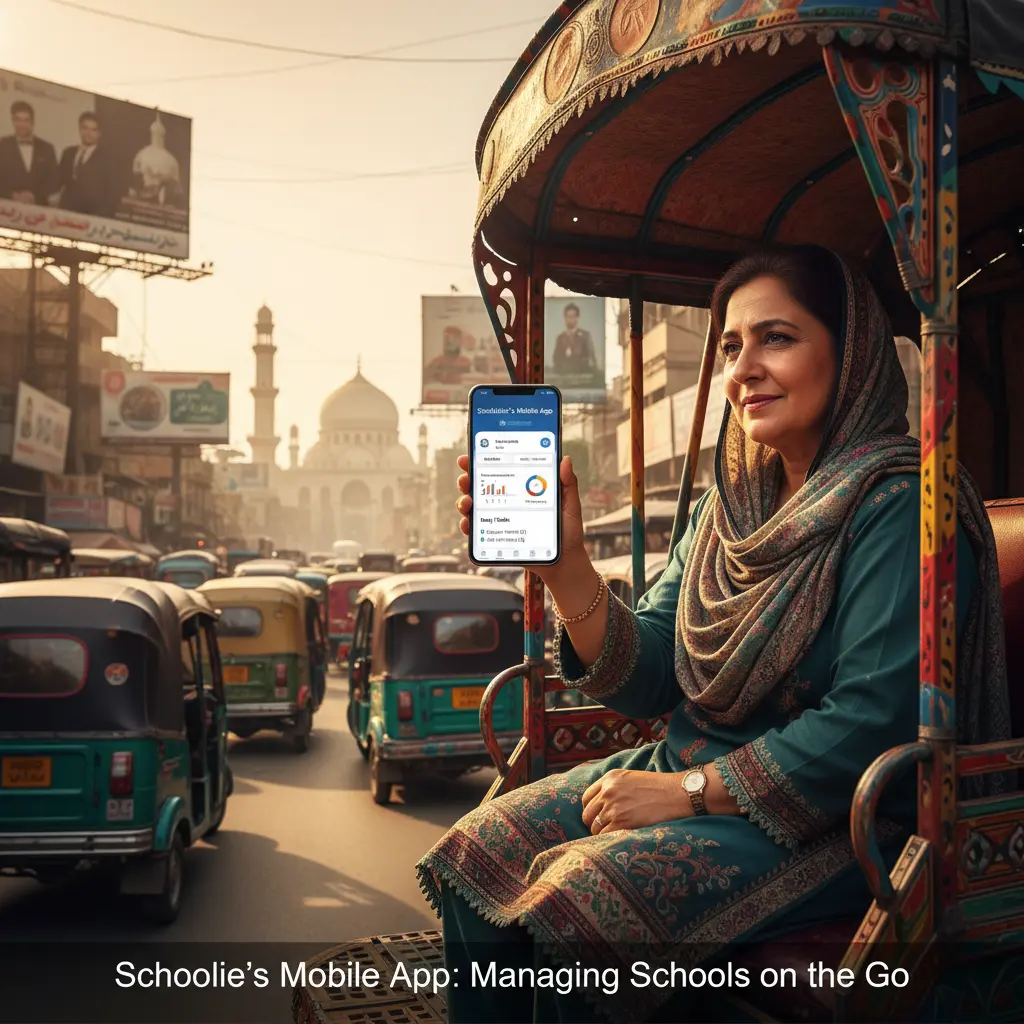
Schooliee Mobile App: Education in Your Pocket
In today's fast-paced world, staying connected to your child's education shouldn't be limited to school hours or desktop computers. Parents juggle work, household responsibilities, and multiple children's schedules, while teachers need to access student information and communicate with families even when they're away from their desks. Schooliee mobile app transforms your smartphone into a powerful educational hub, ensuring that important school information is always at your fingertips.
📱 Designed for Pakistani Families
We understand the unique challenges faced by Pakistani families and educators. Our mobile app is specifically designed with local needs in mind:
Optimized for Local Connectivity:
- Works efficiently on 3G and 4G networks
- Offline mode for areas with limited internet connectivity
- Lightweight design that doesn't consume excessive data
- Quick sync when connection is restored
Multi-Language Support:
- Full functionality in both English and Urdu
- Easy language switching within the app
- Culturally appropriate interface design
- Support for local date formats and calendar systems
Family-Friendly Features:
- Multiple child profiles for families with several students
- Shared access for both parents
- Grandparent and guardian access options
- Privacy controls for sensitive information
👨👩👧👦 For Parents: Stay Connected, Stay Informed
Parenting in the digital age requires new tools. Schooliee mobile app empowers parents to be active participants in their child's education.
Real-Time Updates:
- Instant notifications about attendance, grades, and observations
- Push alerts for important school announcements
- Emergency notifications and school closure alerts
- Homework reminders and assignment due dates
Academic Monitoring:
- View detailed grade reports and progress charts
- Track homework completion and submission status
- Monitor test scores and academic trends
- Access teacher feedback and comments
Communication Made Easy:
- Direct messaging with teachers and school staff
- Group chats for class parents
- Voice messages in local languages
- Photo sharing for school events and activities
Financial Management:
- View fee statements and payment history
- Receive payment reminders and due date alerts
- Make secure online payments
- Download receipts and financial reports
👩🏫 For Teachers: Classroom Management Anywhere
Teaching doesn't end when the school bell rings. Our mobile app helps teachers stay organized and connected with their students and their families.
Attendance and Grading:
- Quick attendance marking with offline capability
- Mobile grade entry and progress tracking
- Photo-based assignment submission and grading
- Voice notes for personalized feedback
Parent Communication:
- Send individual or group messages to parents
- Share photos and videos from classroom activities
- Schedule parent-teacher conferences
- Provide real-time updates about student observations
Lesson Planning:
- Access and update lesson plans on the go
- Upload resources and materials from mobile device
- Collaborate with other teachers
- Set reminders for important tasks and deadlines
Professional Development:
- Access training modules and educational resources
- Participate in online workshops and webinars
- Connect with other educators
- Track professional development hours
🎓 For Students: Learning Beyond the Classroom
Students today are digital natives who expect technology to enhance their learning experience. Schooliee student features promote engagement and responsibility.
Academic Tools:
- Access homework assignments and project details
- Submit assignments directly through the app
- View grades and teacher feedback
- Track academic progress and goals
Communication:
- Message teachers with questions about assignments
- Participate in class discussions and forums
- Collaborate with classmates on group projects
- Receive important announcements and updates
Organization:
- Digital planner with assignment due dates
- Exam schedule and preparation reminders
- Extracurricular activity schedules
- Personal goal setting and tracking
🏫 For School Administrators: Management on the Move
School leaders need access to critical information whether they're in the office, visiting classrooms, or attending meetings off-campus.
Dashboard Analytics:
- Real-time school performance metrics
- Attendance and enrollment statistics
- Financial summaries and budget tracking
- Staff performance indicators
Communication Hub:
- Send school-wide announcements
- Emergency communication protocols
- Staff messaging and coordination
- Parent and community engagement tools
Operational Management:
- Approve leave requests and substitutions
- Monitor facility usage and maintenance
- Review and respond to parent feedback
- Access compliance and reporting tools
🔒 Security and Privacy First
We understand that mobile devices require extra security considerations, especially when dealing with student data.
Advanced Security Features:
- Biometric login (fingerprint and face recognition)
- Multi-factor authentication options
- Automatic session timeouts
- Encrypted data transmission and storage
Privacy Controls:
- Granular permission settings
- Data access logs and audit trails
- Parental consent management
- Compliance with international privacy standards
📊 Offline Capabilities for Reliable Access
We know that internet connectivity can be inconsistent. Our app is designed to work even when you're offline.
Offline Features:
- View previously loaded student information
- Mark attendance and enter grades
- Compose messages and announcements
- Access downloaded resources and materials
- Automatic sync when connection is restored
🚀 Easy Installation and Setup
Getting started with Schooliee mobile app is simple and straightforward:
- Download: Available on Google Play Store and Apple App Store
- Install: Quick installation with minimal storage requirements
- Login: Use your existing Schooliee credentials
- Customize: Set up notifications and preferences
- Explore: Guided tour of features and capabilities
System Requirements:
- Android 6.0 or iOS 12.0 and above
- Minimal storage space (under 50MB)
- Works on both smartphones and tablets
- Compatible with all major Pakistani mobile networks
💡 The Future in Your Hands
Schooliee mobile app represents more than just convenience—it's a bridge that connects all members of the school community, regardless of their physical location. Whether you're a parent checking on your child's progress during a work break, a teacher updating grades from home, or a student accessing homework assignments on the bus, our mobile app ensures that education never stops.
Transform your smartphone into a powerful educational tool and stay connected to what matters most—your child's learning journey.
🔗 Download Schooliee Mobile Today.
Experience the convenience and power of having your entire school in your pocket.
Download from Google Play Store or Apple App Store, or start your free trial at www.schooliee.com.